AnyTask
Make a list. Set a reminder.
Share it instantly.
The effortless way to organize tasks for yourself and anyone you want to share lists with.

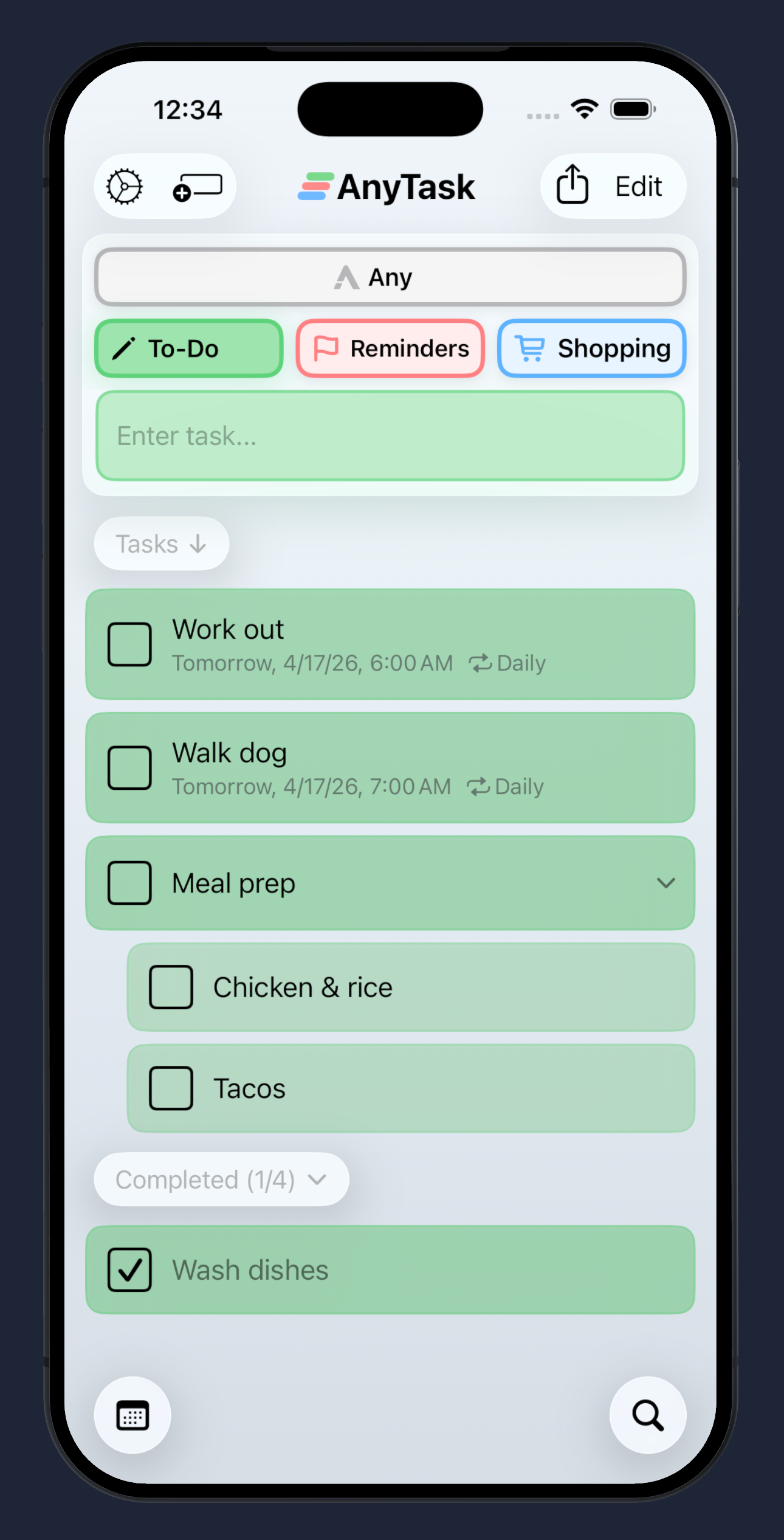
Make a list. Set a reminder.
Share it instantly.
The effortless way to organize tasks for yourself and anyone you want to share lists with.
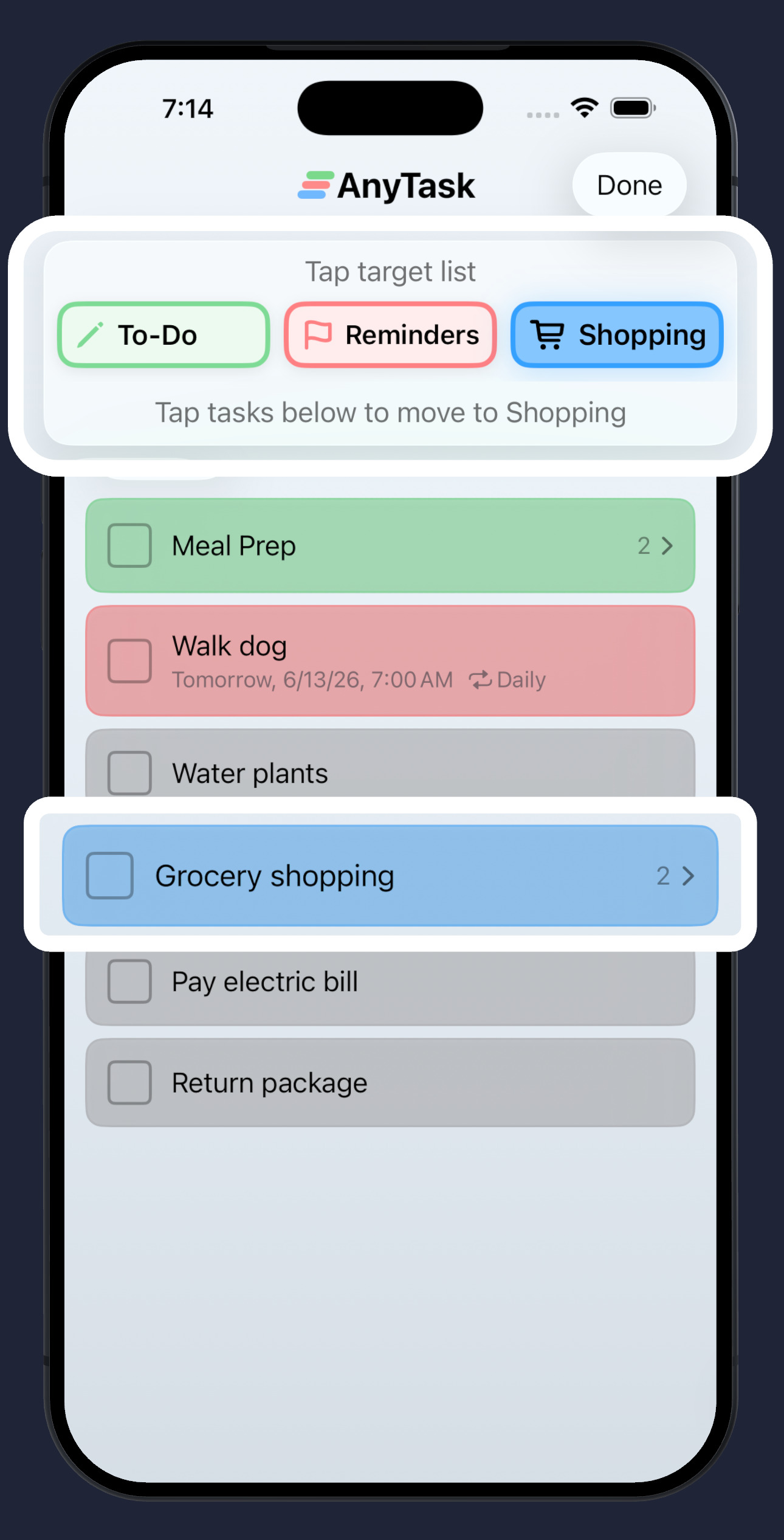
Capture everything in your "Any" inbox the moment it pops into your head. Later, pick a list and tap to file each task where it belongs. Clearing your mind has never been faster.
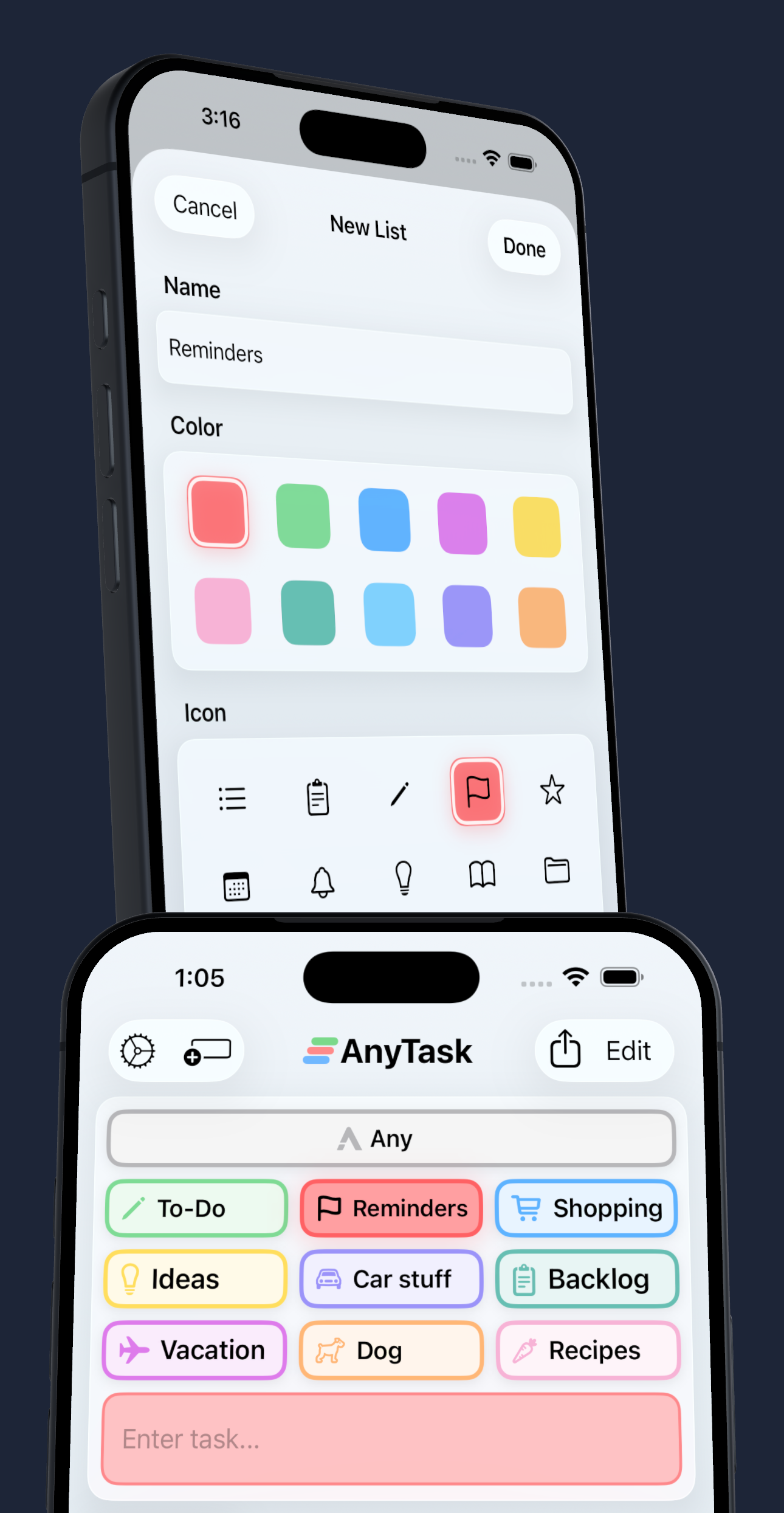
Organize tasks into customizable lists with your own colors and icons. Add subtasks, attach photos and links, and set due dates. Drag and drop between lists — or sort straight from your Any inbox — for quick weekly planning or clearing a backlog. Already use Apple Notes? Import your existing checklists in a tap.
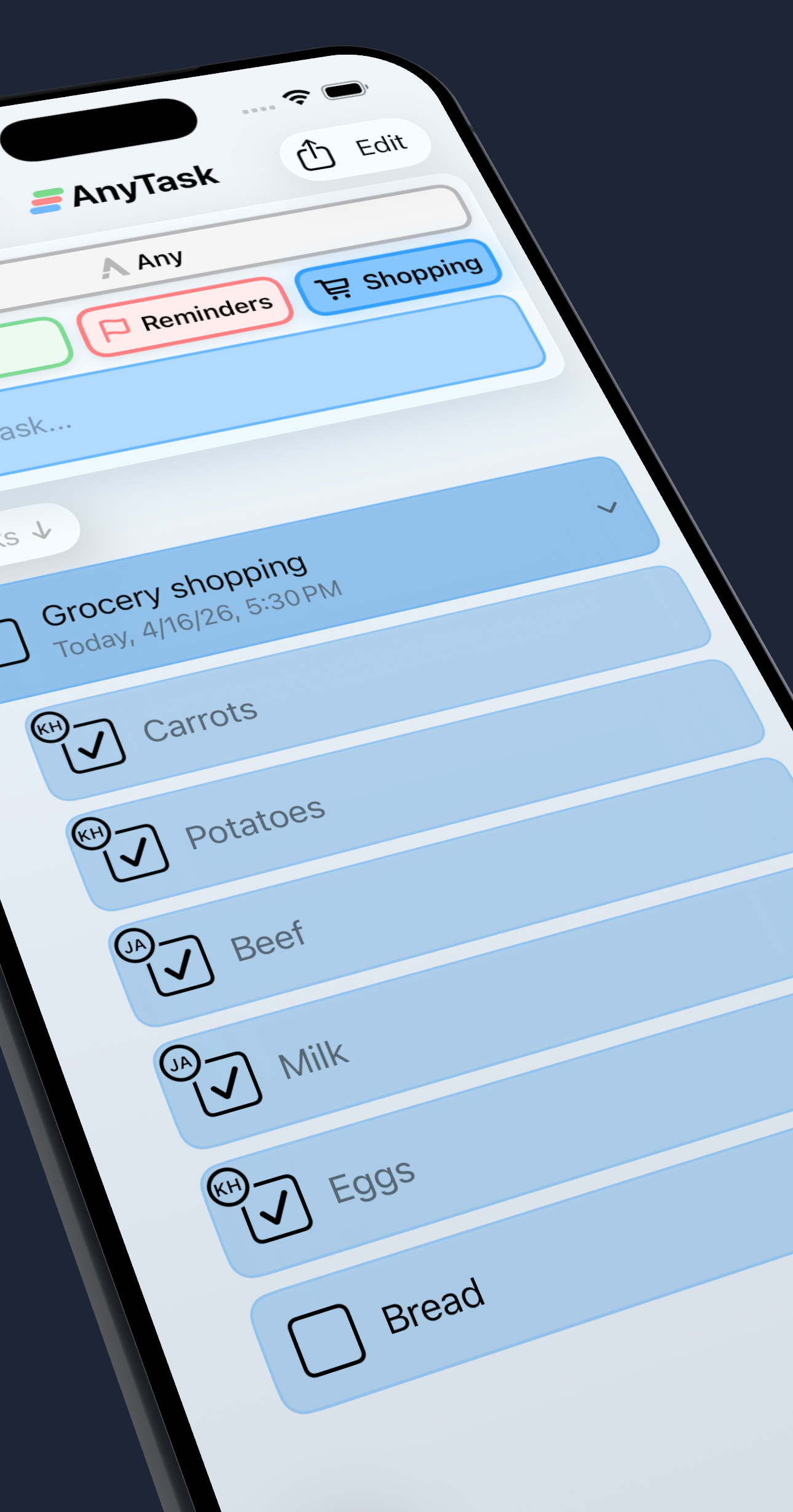
Collaborate with family, friends, or coworkers through seamless iCloud sharing. Lists stay in sync across everyone's devices in real time.
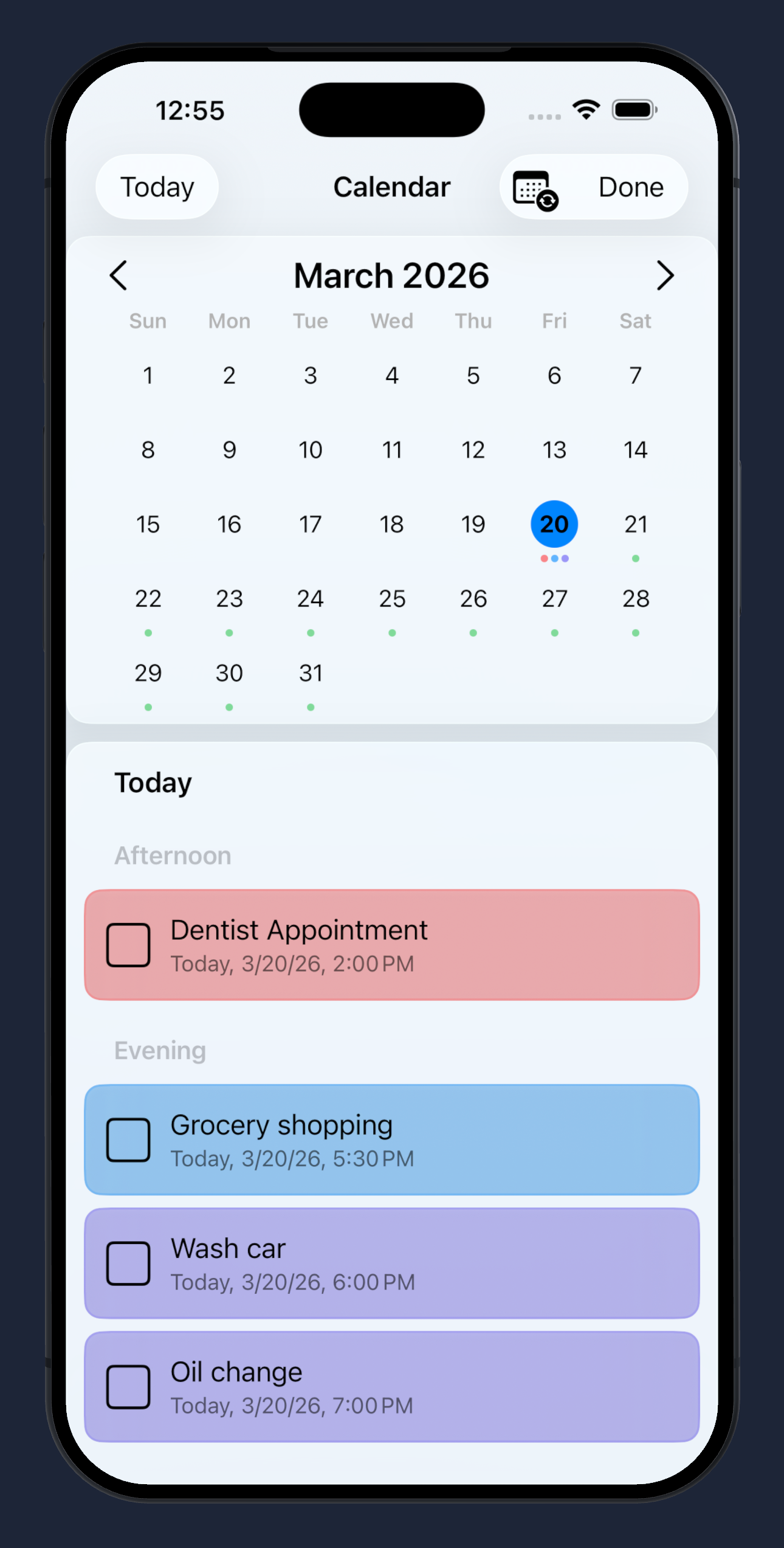
Type the date inline — "Tuesday @2pm" — and AnyTask parses it as you go. Get reminders when tasks are due, set recurring tasks on any schedule, and sync with Apple Calendar for a unified view of your day.
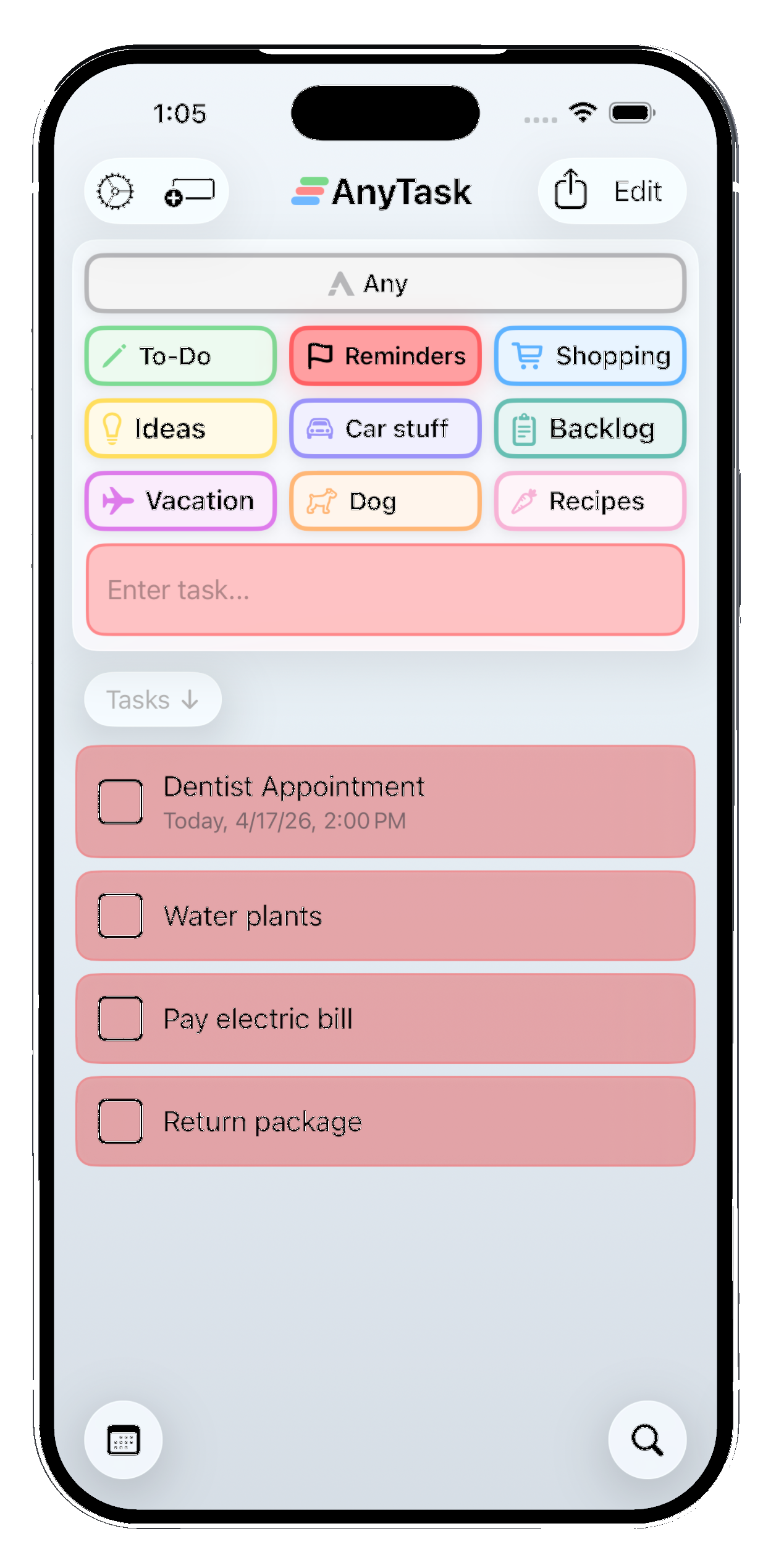
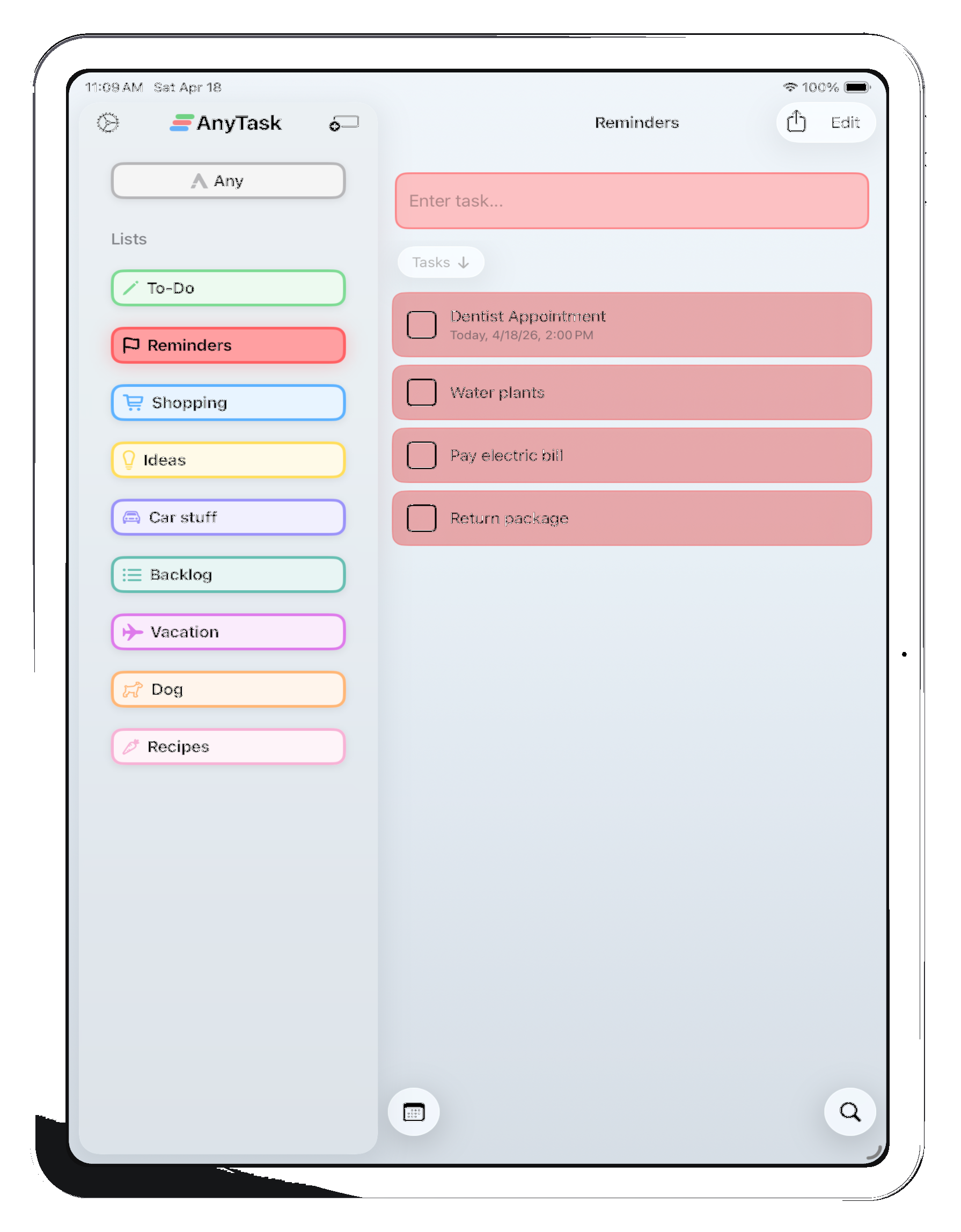
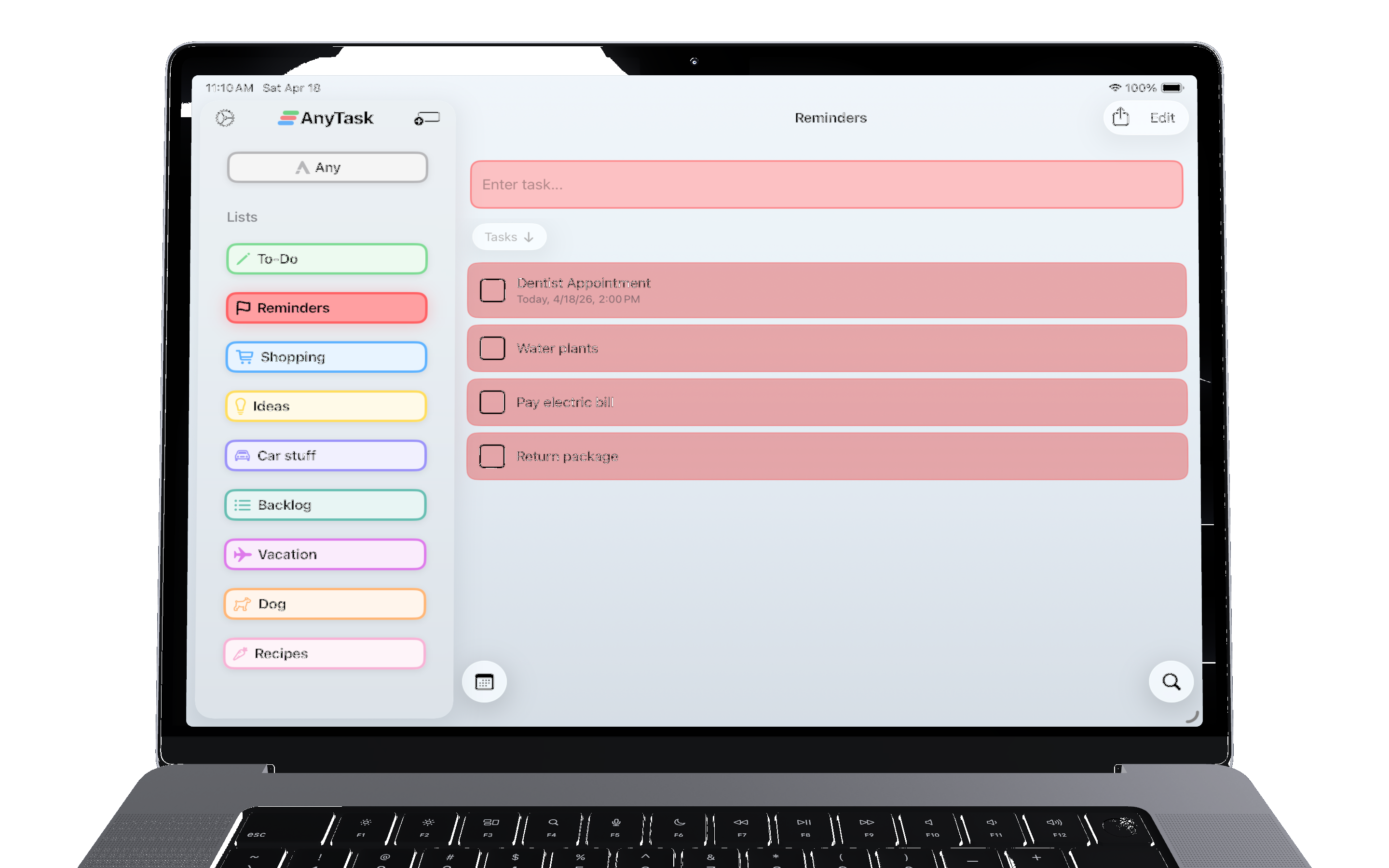
AnyTask works seamlessly across all your Apple devices. Start a list on your iPhone, check it off on your Mac, and glance at it from your home screen or lock screen widget — all kept in sync via iCloud.
AnyTask works on iPhone, iPad, and Mac. Your tasks stay in sync across all your Apple devices automatically via iCloud.
Yes. You can share any list with other iCloud users — family members, friends, or coworkers. Shared lists update in real time across everyone's devices.
Yes. You can set due dates and reminders on any task. AnyTask also supports recurring tasks on any schedule — daily, weekly, monthly, or custom — and syncs with Apple Calendar for a unified view of your day.
Yes. AnyTask includes home screen and lock screen widgets so you can see and check off tasks without opening the app.
That's exactly what AnyTask was built for. Most popular task managers are so focused on being feature-rich that they end up feeling like a product you have to learn, which can actually hurt your productivity. AnyTask keeps a clean, intuitive interface so everything is where you'd expect it — you can get tasks in fast and stay organized without ever feeling like you're managing the app itself.
AnyTask is inspired by Reminders but built to go further. A built-in "Any" inbox list pairs with a "+Task" lock-screen widget so you can go from lock screen to typed task in one tap. A powerful Sort mode (and drag-and-drop on every list) then lets you triage Any into your other lists when you have a moment — designed for minimal taps to get tasks in and configured fast. You'll find intuitive actions right where you need them, making AnyTask more feature-rich than Reminders while keeping the same clean, simple feel.
Yes. You can create, edit, and complete tasks without an internet connection. Shared lists will sync automatically once your connection is restored.
Yes, AnyTask has full Siri and Apple Shortcuts support so you can add tasks with your voice or build automations into your existing workflows.
Yes. AnyTask can import checklists from Apple Notes, so the lists you've already built carry over without retyping anything.
Your tasks are never deleted. After the 10-day trial your lists become read-only until you subscribe. Everything picks up right where you left off.
Yes. AnyTask does not collect or store your personal data on any servers — we don't have servers. All your tasks and lists live on your device and in your own iCloud account. See our Privacy Policy for full details.
iPhone, iPad, and Mac.